
Table of Contents
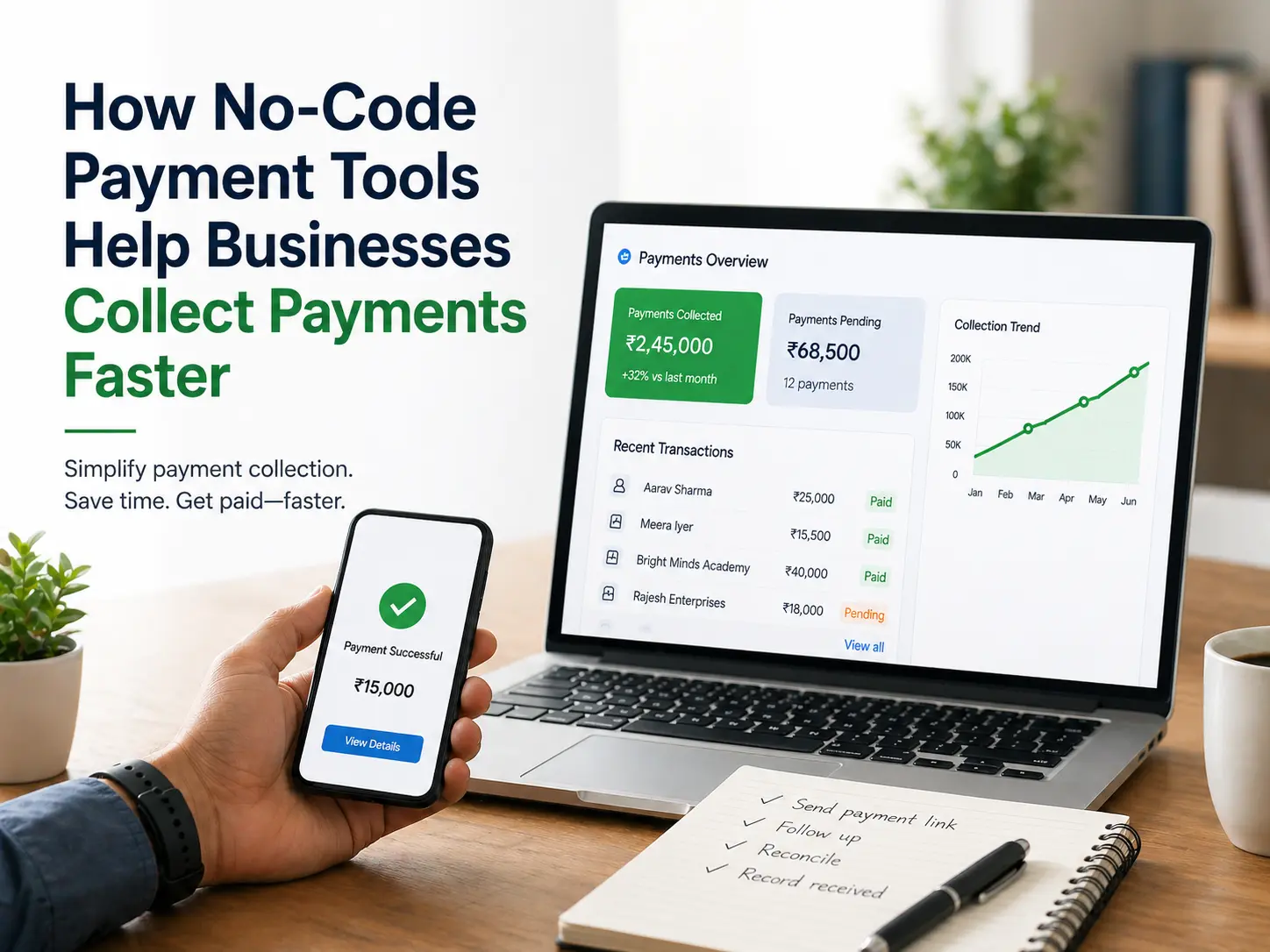
A payment link is a secure, shareable URL (and optional QR code) that lets customers pay instantly via UPI or other digital modes without needing a website or app. In India’s fast-growing digital economy, businesses increasingly create payment links to simplify collections. Payment links work for one-time invoices, renewals, fees, and donations, letting customers pay via WhatsApp, SMS, email or QR code in a few taps.
This blog covers how to generate UPI payment links online, step-by-step creation using SabPaisa, a comparison of payment link gateways, business use cases, best practices, and FAQs. We focus on SabPaisa’s RBI-authorised platform, which helps Indian enterprises collect payments securely via online payment link generators.
What is a Payment Link and How It Works
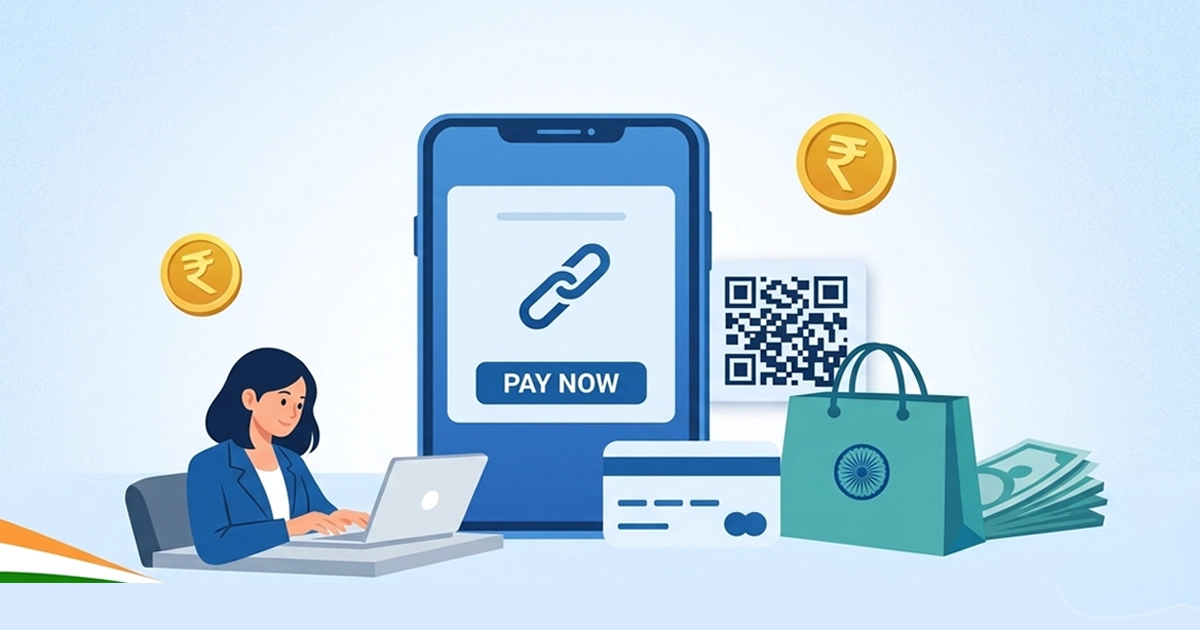
A payment link is a way to request payment from customers via links, who pay for your goods or services in ways other than traditional online store purchases, after they have confirmed their purchase decision with you. Simply put, it is an online payment method in which the merchant can create a payment link and share it with customers so they can make a quick payment.
Consider a payment link as a unique URL sent to your customers, requesting that they act on their purchase confirmation. These links can be shared via email or messaging apps, allowing you to communicate with your customers in multiple ways.
When those customers click the link, they are directed to a hosted checkout page that displays the amount owed. They can safely enter billing and shipping information, and the transaction can be processed.
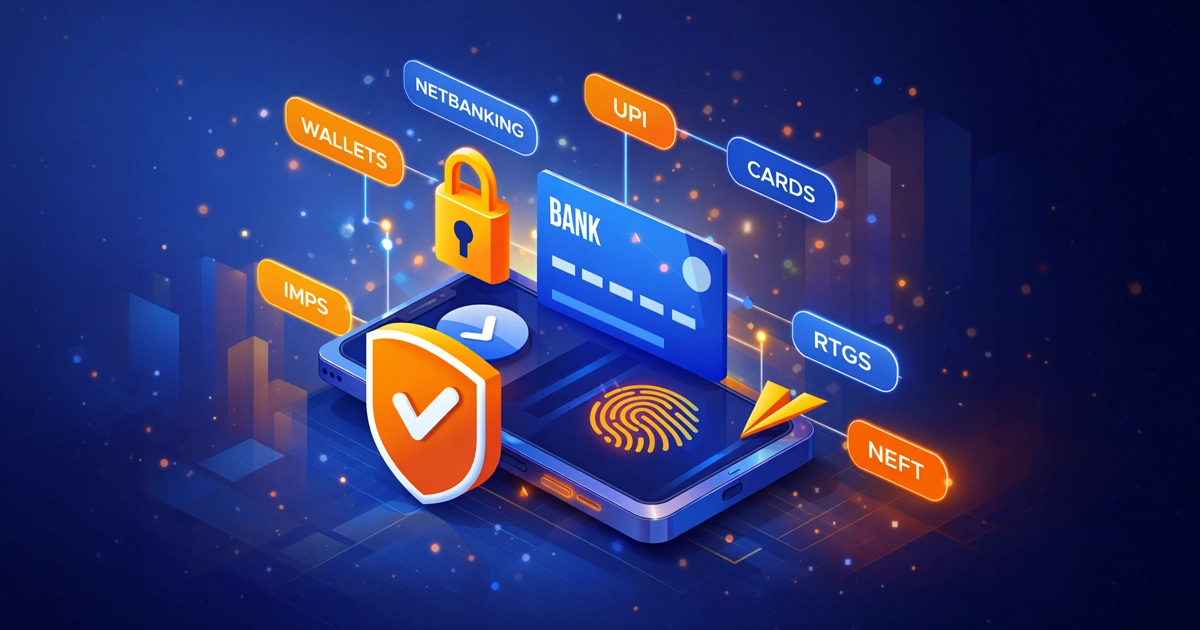
By sending this link to a customer (through chat, electronic mail or social media), he can be instantly paid through UPI apps, cards, net banking, wallets, etc. In practice, the steps are:
- The merchant creates the payment link in the dashboard of the payment gateway.
- The customer goes through the link and selects a mode of payment (e.g., UPI).
- The customer authenticates (has two-factor authentication, such as OTP or UPI PIN).
- Both parties are instantly confirmed and the money gets transferred to the account of the merchant.
SabPaisa ensures secure processing with PCI-DSS compliant infrastructure and operates in line with RBI regulatory requirements. Payment links offer real-time tracking, you can see paid/unpaid status in your dashboard and download reports for reconciliation. Unlike traditional invoices or NEFT transfers, a single link removes error-prone steps and speeds up collections.
Why Create a Payment Link for Your Business?
Payment links are beneficial for any Indian business (MSME, institution, nonprofit) that needs quick, hassle-free collections:
- Instant Collections: Send a SabPaisa payment link via WhatsApp, SMS or email and receive payment in seconds.
- No Web Site or App Required: You do not need an online store or an app. SabPaisa allows you to build payment links online without any technical configuration.
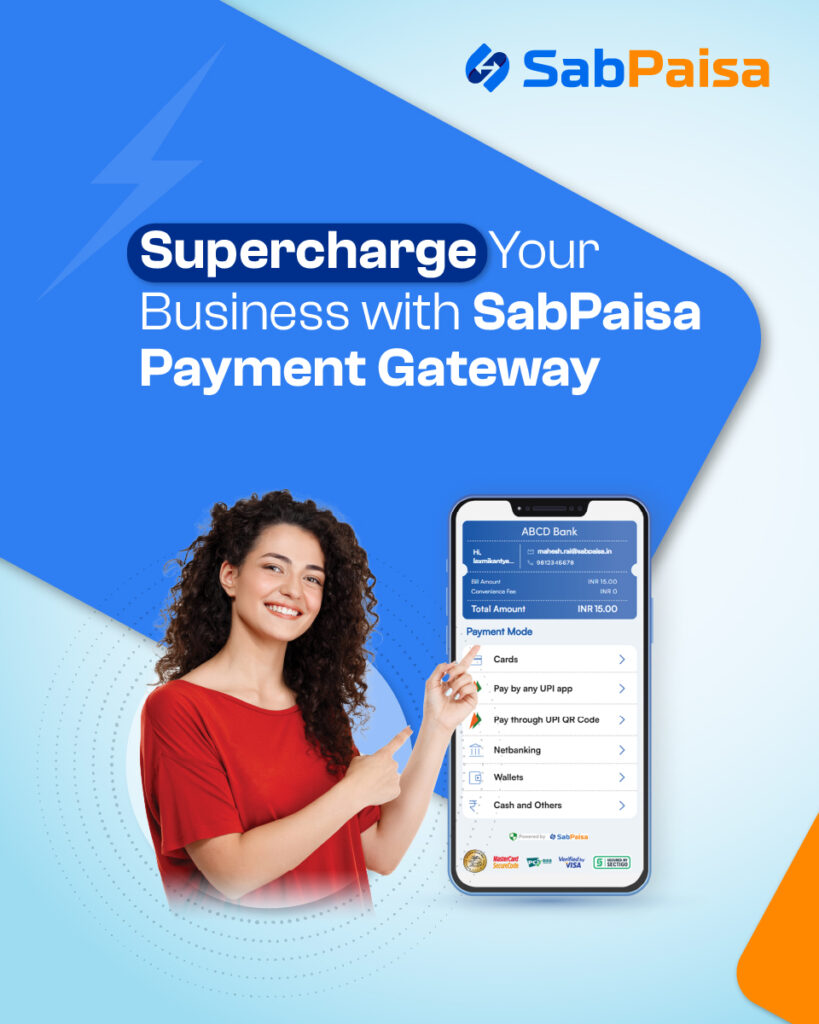
- Various payment options: Customers are allowed to use UPI, credit/debit cards, net banking, wallets, etc. SabPaisa supports all major modes by default.
- Higher Conversion: Links eliminate manual steps, reducing cart abandonment. Merchants report faster payments and better cash flow when customers have a one-click payment experience.
- Secure & Compliant: Regulated providers like SabPaisa use encrypted, tokenized transactions. Payment links support RBI-mandated two-factor authentication (OTP or UPI PIN) for security.
- Easy Tracking: The payment gateway dashboard shows every link’s status (pending/paid), timestamps, and customer info. This beats manually matching NEFT receipts.
In short, a UPI payment link is a mini-checkout that works anywhere. It’s ideal for social-commerce sellers (WhatsApp/Instagram businesses), freelance consultants, retail merchants, NGOs, schools, and any situation where sending a quick payment request speeds up payment.
Step-by-Step: How to Create a Payment Link in India
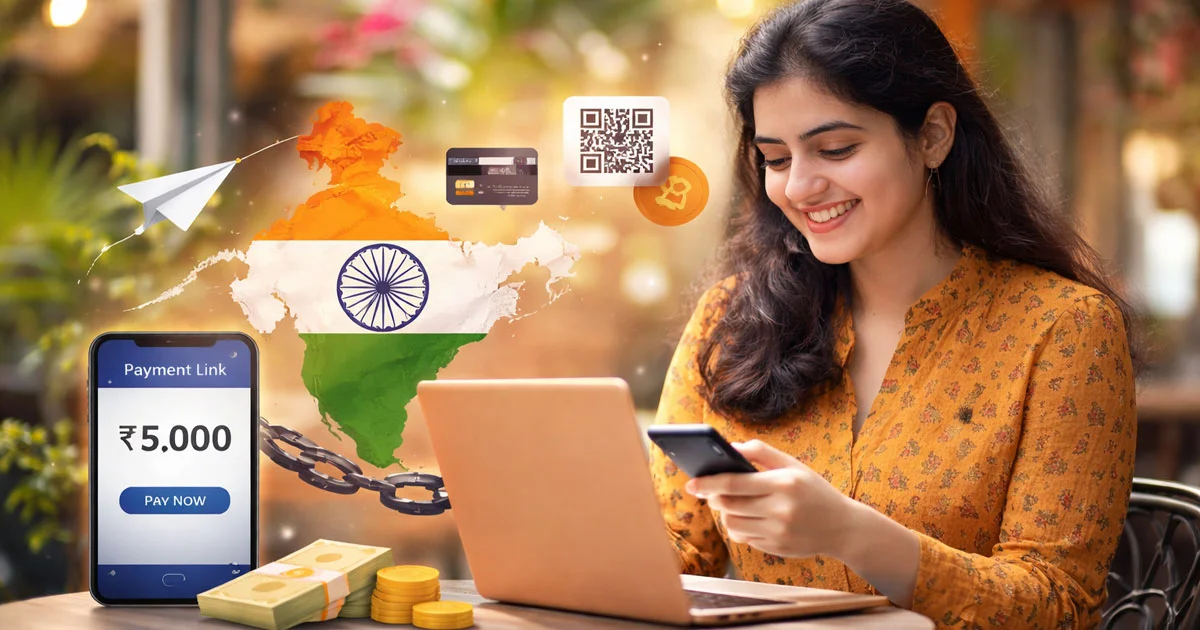
Modern Indian payment systems can easily generate a payment link. The following is the stepwise procedure to create a link with the help of an online payment link generator in line with regulatory frameworks:
- Select an RBI Authorised Payment Link Service: Select a trusted payment gateway or aggregator capable of creating links. To remain compliant, use an RBI-licensed payment aggregator, e.g., a bank or SabPaisa. Register, complete KYC, and comply with the RBI merchant onboarding conditions.
- Get to the Dashboard: Sign into the merchant dashboard and select “Payment Links or the payment link generator. A majority of the platforms have their own page where a link can be created.
- Enter Details of Payments: Enter the amount, description or invoice number and optional customer name or ID. When it comes to a one-time payment, the time would be to expire or reach a usage limit. Select the type of payments that you wish to provide- UPI, cards, net banking etc. Majority of modes are on by default.
- Generate the Payment Link: Press the button that is marked as either Generate Link or create payment link. The system will generate a unique URL automatically and in most instances, a QR code.
- Send the Customer the Link: Send the Customer the link through your favorite way of communication WhatsApp, SMS, or email, which are common and fast in India. It can be installed in an e-invoice or a QR-code can be attached. The text that comes with it normally states Pay here.
- Customer Pays by Using Secure Gateway: The customer on clicking the link is taken to a secure payment gateway page. They choose one of the methods of payment (UPI, card, etc.) and finalise the payment. In the case of UPI, they grant it in their UPI app and with card payments, they input card details and an OTP. Each of the transactions is conducted according to banking policies and NPCI/RBI security standards.
- Get Confirmation and Settlement: After the money has been paid, both the parties are immediately confirmed. The customer receives a success message and can be sent an SMS or email receipt. There is a real-time update on your merchant dashboard. The settlement of your merchant account is completed with the funds as per the provider cycle which is normally on a given day or the following working day. You are able to download payment reports to reconcile, cancel or resend links and request refunds. The majority of the platforms allow partial refunds.
SabPaisa’s Platform Integration – Secure Payment Link Generation
The SabPaisa Payment Link is a simple yet efficient tool that enables businesses to collect payments effortlessly. Whether you’re a small business, freelancer, or enterprise, SabPaisa Payment Link enables businesses to collect payments without having a website or POS system.
Key Benefits of SabPaisa Payment Link
- Simple Money Transfer: Generate and send payment links through SMS, email, or WhatsApp, allowing customers to securely and conveniently make payments.
- Various Payment modes: Accept payments via UPI, credit/debit cards, net banking, and wallets, so no customer has a bad experience.
- No Website Needed: Perfect when you do not have a Website receive online payments safely without additional systems.
- Instant Settlement: Get money fast, improve cash flow, and keep business processes on track.
- Automated Payment Reminders: Automate payment reminders to reduce delayed payments.
- Safe Payments: PCI-DSS certified and backed by high-level security, they safeguard businesses and consumers against fraud.
How to Create a Payment Link Using a Payment Link Generator?
- Register on the payment gateway, and fill out the KYC and verification process.
- Sign in to your merchant portal.
- Visit the payment link or the payment link generator section.
- Fill in the transaction particulars amount, payment methods, expiry for the link and description.
- Click Generate or Create Payment Link.
- The link can be copied and sent to the customer, or it can be embedded and sent through messages.
Payment Link allows for easy interfacing, enabling businesses to increase their sales and provide better customer service without the headaches of cash system integration.
Conclusion
A payment link is not only a payment tool but also a business enabler in the digital-first Indian market. It improves ease of payment collection, offers customer convenience, and supports effective growth for businesses of any size. Indian companies can employ safe, convenient, and flexible methods of payment collection, using payment links and efficient payment gateways like SabPaisa.
Remember, the simpler the payment process, the more likely customers are to complete their transactions. So, why wait? Start exploring payment links and watch your business grow effortlessly!
FAQs
A UPI payment link is a type of payment link specifically enabled for India’s UPI network. When a customer clicks it, they can pay instantly through any UPI app (Google Pay, PhonePe, etc.). It’s simply a payment link where UPI is an available option. In SabPaisa, generating a link enables UPI (and other modes) by default. No special app is needed on your side. The customer completes payment in their UPI app, then the link shows confirmation to both of you.
Log in with your portal through your payment gateway (e.g. SabPaisa). Log in, select Payment Links, and fill in the amount and details. Click Generate Link. The system generates an encrypted URL. Share that link then via WhatsApp/SMS/Email. The entire process of the web portal (no coding) includes the login and link creation.
No. The first advantage is that you will be able to receive payments without a webpage or an application. The link is just to create on the gateway dashboard and forward.
Yes. Regulated gateways use encrypted and tokenized payment links, and are subject to the PCI DSS security standards. An example, SabPaisa, is approved by RBI and its connections implement two-factor authentication (OTP/ UPI PIN) at each transaction. All UPI rules apply (dynamic QR/tokens, daily limits, etc.). The SabPaisa platform keeps a full audit trail, and all payments go through RBI/Bank rails, making links as secure as any online payment method.
(Bonus: Always verify the link comes from a known provider and remind customers to enter UPI details only in official apps.)
Many gateways (including SabPaisa) let you create links from mobile browsers or apps, since it’s just a web portal. The link itself can be paid on any smartphone UPI app. So yes, as long as you can log into your merchant dashboard (from phone or desktop), you can generate UPI/payment links from anywhere.